
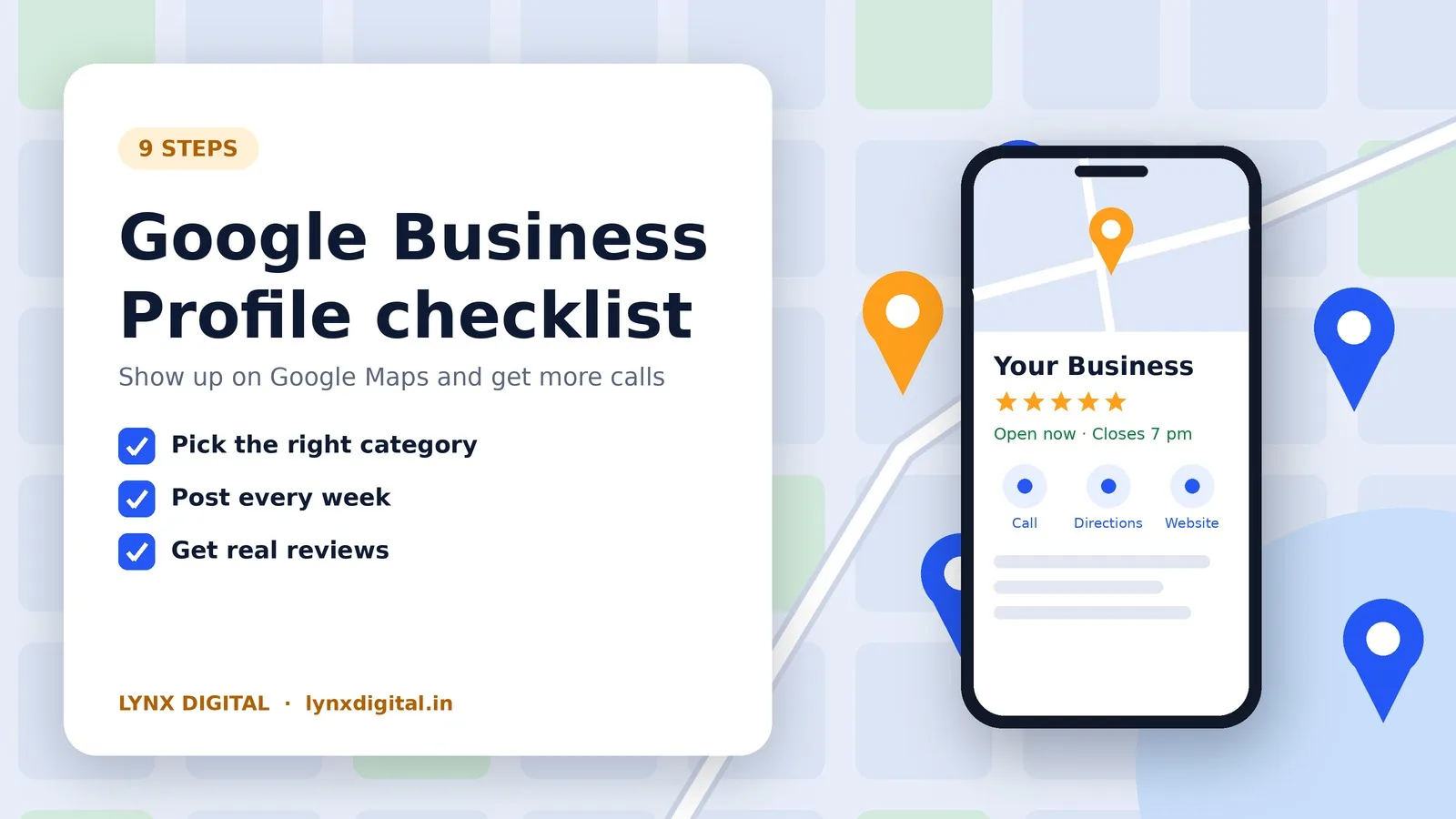
When someone searches for “dentist near me” or “coaching classes in my area”, Google shows a map with three businesses first. Getting into those three is often the fastest way for a local business to get more calls. Here is the checklist we use.
1. Claim and verify your profile#
Search for your business on Google Maps. If a profile exists, claim it. If not, create one at business.google.com and complete the verification Google asks for.
2. Pick the right main category#
Your main category matters more than anything you write. Choose the one that matches what most customers search for, such as “Dental clinic” rather than “Health”. Add a few secondary categories for other things you do.
3. Fill in every field#
Add your phone number, website, opening hours, services, products and a description that says plainly what you do and where. Incomplete profiles lose to complete ones.
4. Keep your name, address and phone consistent#
Use exactly the same business name, address and phone number on your website, Facebook, Instagram and directories like Justdial. Mismatches confuse Google.
5. Add real photos, regularly#
Show your shopfront, inside, team and work. Photos taken on a phone in good light are better than stock images. Add new ones every month.
6. Ask every happy customer for a review#
Send a short WhatsApp message with your review link right after a good experience. Ask everyone, not only the people you think will leave five stars.
7. Reply to every review#
Thank people by name for good reviews. For bad ones, reply calmly, apologise for the experience and offer to fix it. Future customers read your replies.
8. Post updates every week#
Share offers, new services, events and tips as Google posts. It keeps your profile active and gives searchers a reason to choose you.
9. Keep hours and holidays up to date#
Nothing loses a customer faster than a closed shop that Google said was open. Update special hours before festivals and holidays.
Want us to check yours?#
We will look at your Google Business Profile, website and ads and send you the three things to fix first, free.
Mistakes that keep businesses off the map#
- Keywords in the business name. “Smile Dental Best Dentist Saket” breaks Google’s rules and can get the profile suspended. Use the name on your signboard.
- A different phone number on every site. Google trusts details that match everywhere: your profile, website, Justdial and social pages.
- Asking only happy customers for reviews, or offering a discount for them. Google can remove those reviews. Ask every customer, the same way.
- Posting once and forgetting. A weekly post with a real photo tells Google, and customers, that you are open and active.
- No website link, or a link to a slow page. Many people check your site before they call. A page that loads fast on a phone and has a WhatsApp button turns those visits into enquiries.
How long it takes#
Fixing the basics (category, hours, photos, matching details) can show results within weeks: more profile views, calls and direction requests. Moving up in a busy area takes longer and depends on your reviews, your website and how active competitors are. Check the Performance tab in your Business Profile every month and note calls and direction requests.
Questions people ask#
Is Google Business Profile free? Yes. Creating and updating it costs nothing; only Google Ads are paid.
Can I list my business without a shop or office? Yes, as a service-area business, if you visit customers. Hide your address and add the areas you serve.
Do I need a website? Not to create a profile, but a good website helps you rank and turns more searches into calls.
Want every step in one place? Download the free Local SEO checklist, see how our Local SEO service works, or run a free website audit.
 SEO
 AI search